Viewing the slideshows - simplest use
Thank you for using this viewer, here are some hints on using it.
- You can use the mouse or the small touch screen in front of the chairs to manage these presentations.
- 'Click' on the 'List of slideshows' button at the bottom of the screen and...
- Select a slideshow for viewing.
- The selected slideshow will start automatically or when you press the play button at the bottom left of the control screen.
- 'Click' on the 'Instructions' button if you need help at any time.
Viewing the slideshows
- All slideshows are available and will play automatically. If the slideshows are on pause, 'click' the play button at bottom left of screen.
- Each presentation slide in a slideshow will show for a preset period such as 30 seconds.
- There is a timer in the bottom left hand corner of the screen to show where you are in the timing sequence.
- The slide indicator at the very bottom right of the screen shows you where you are in the slideshow e.g. 4/6 indicates you are at the sixth slide in the fourth slideshow.
- Once the slideshow gets to the end of the show it moves onto the next slideshow in the sequence and then starts back at the beginning again at the end of the sequence automatically.
Manual Control
- You can take control at any time by 'clicking' any of the arrows in the bottom right hand corner. A vertical arrow controls the next and previous slides in a slideshow, the horizontal arrows control moving from one slideshow to the next or previous slideshow.
- A lack of vertical arrows means there is only one slide in that section of the slideshow.
- A soon as you 'click' an arrow you have manual control of the slides and the timer stops.
- You can start the timer again by 'clicking' the play button at the bottom left.
- At any time you can pause the slideshow by 'clicking' the pause button at bottom left when it appears.
The bottom navigation menu
- At any time 'click' on the 'Instructions' button' and this will take you to the help page.
- There is also a button at the bottom to take you back to the List of Slideshows available for viewing.
If you have any questions about W.P. Collier one of our volunteer guides will be able to help you or may know someone who can! Thank you.
The Life and Work of W P Collier, Photographer
Please 'click' one of the buttons on the smaller control screen to get started.
Bellingham Life
This section is about Collier's work of photographs covering Bellingham and Bellingham Life.
The slideshow will play automatically or if you select the play button at bottom left, or use the vertical arrows to manually navigate these slides. The horizontal arrows take you to a different slideshow.




Coquetdale Camera
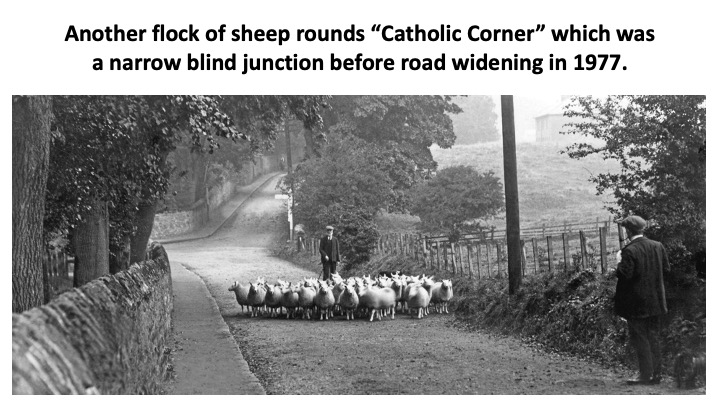
Collier travelled extensively in the area recording images of place and people at work. In this collection we show some of the images Collier took in Coquetdale.
The slideshow will play automatically or if you select the play button at bottom left, or use the vertical arrows to manually navigate these slides. The horizontal arrows take you to a different slideshow.


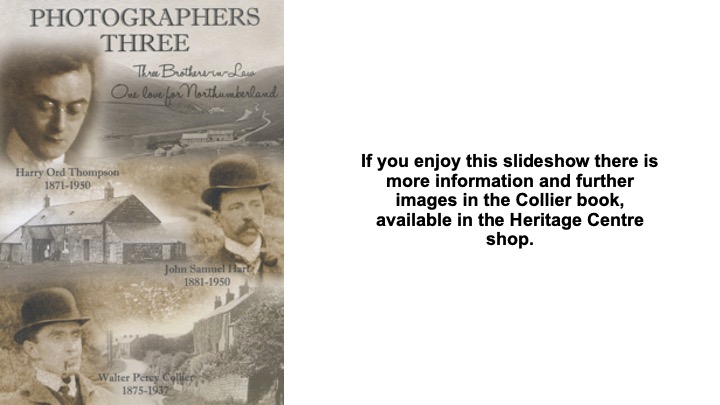
W P Collier, Photographer, 1875 - 1937
This section tells us more about Collier's life.
The slideshow will play automatically or if you select the play button at bottom left, or use the vertical arrows to manually navigate these slides. The horizontal arrows take you to a different slideshow.


Bellingham at War
This section tells us more about Bellingham during the war.
The slideshow will play automatically or if you select the play button at bottom left, or use the vertical arrows to manually navigate these slides. The horizontal arrows take you to a different slideshow.


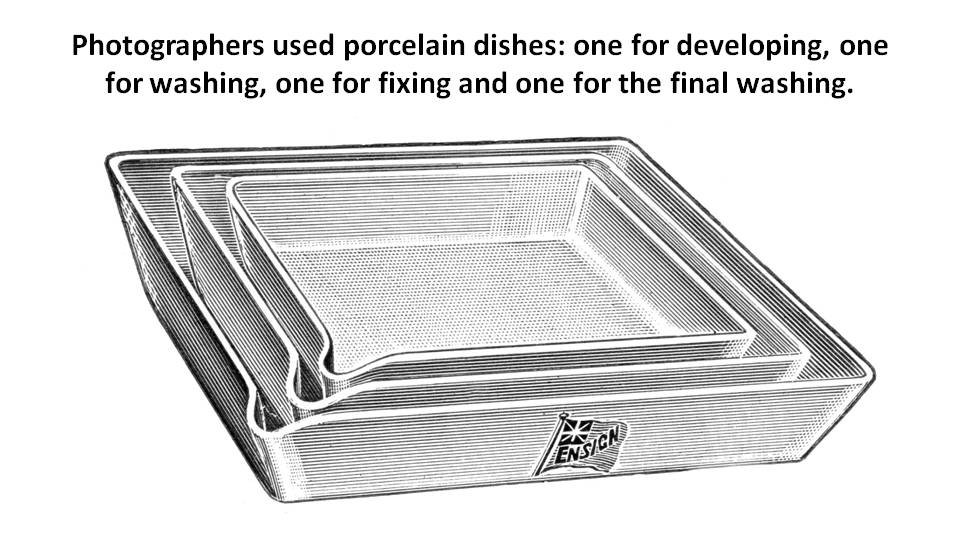
Developing and Printing
This section is about the era before digital photography and how pictures were produced
The slideshow will play automatically or if you select the play button at bottom left, or use the vertical arrows to manually navigate these slides. The horizontal arrows take you to a different slideshow.




Road to Bellingham
This section is about Collier's work of photographs in the approaches to Bellingham.
The slideshow will play automatically or if you select the play button at bottom left, or use the vertical arrows to manually navigate these slides. The horizontal arrows take you to a different slideshow.


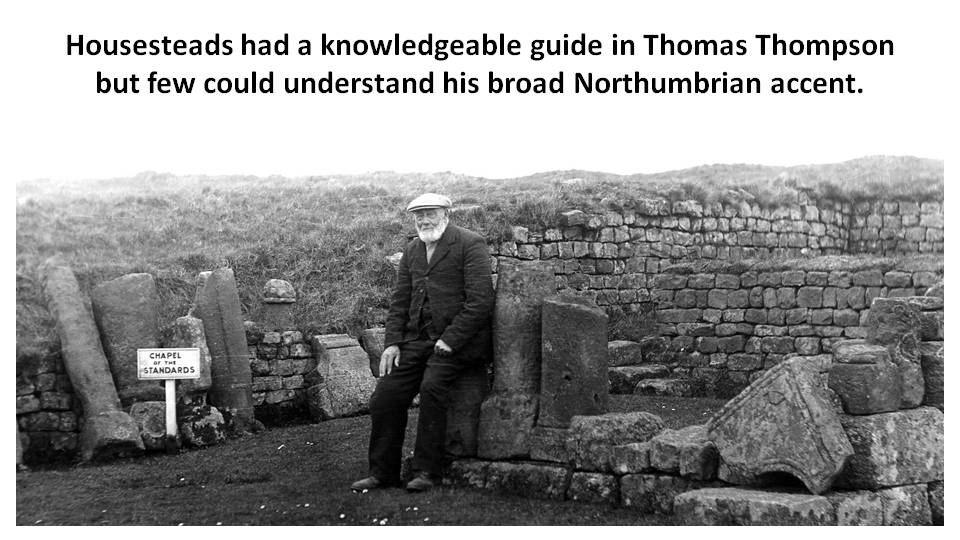
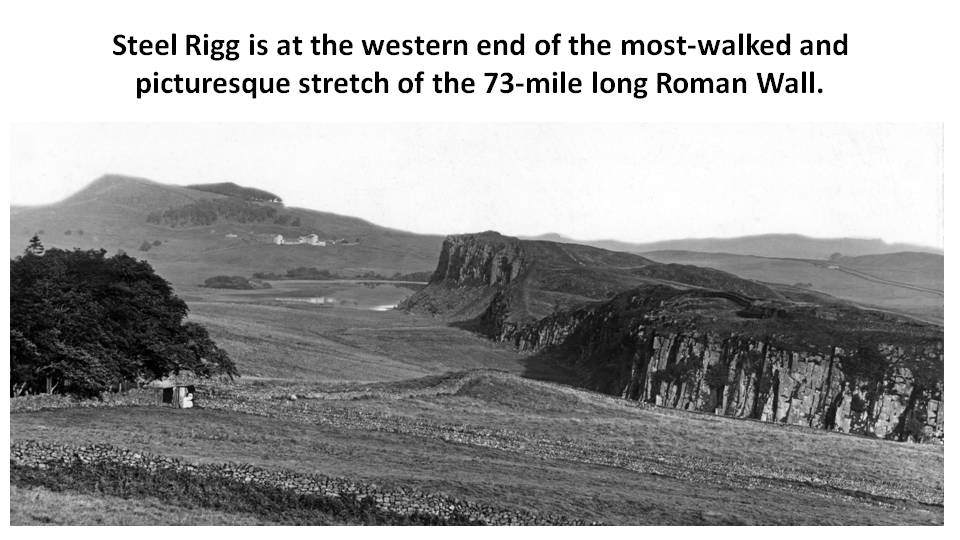
Roman Roundabout
This section is about Collier's work of photographs of Hadrian's Wall.
The slideshow will play automatically or if you select the play button at bottom left, or use the vertical arrows to manually navigate these slides. The horizontal arrows take you to a different slideshow.






Redewater Views
This section is about Collier's work of photographs in Redesdale.
The slideshow will play automatically or if you select the play button at bottom left, or use the vertical arrows to manually navigate these slides. The horizontal arrows take you to a different slideshow.


North Tyne Traveller
This section is about Collier's work of photographs in the the North Tyne beyond Bellingham.
The slideshow will play automatically or if you select the play button at bottom left, or use the vertical arrows to manually navigate these slides. The horizontal arrows take you to a different slideshow.



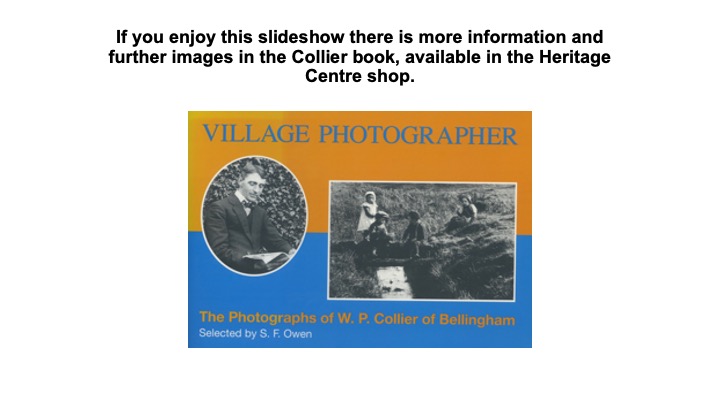
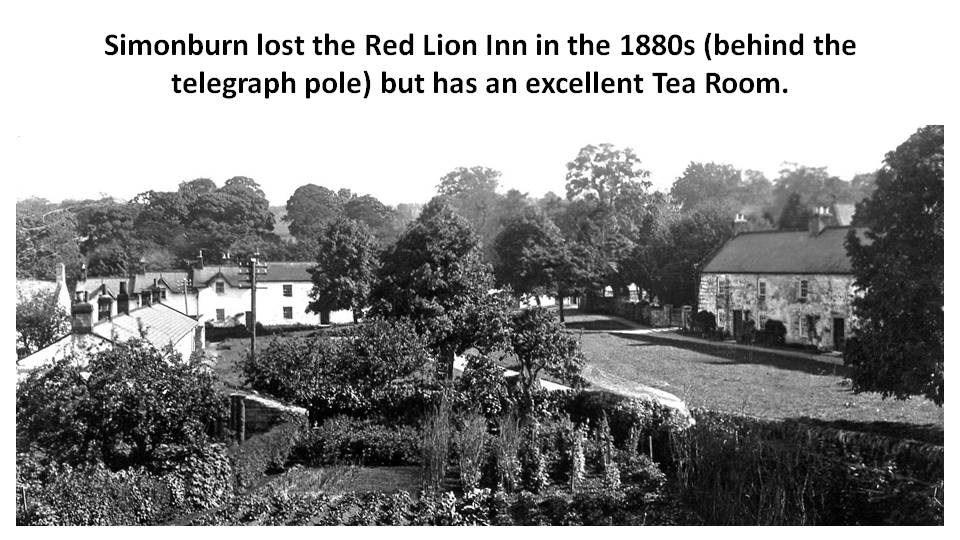
Village Photographer
This section is about Collier's work of photographs of Villages in the Area.
The slideshow will play automatically or if you select the play button at bottom left, or use the vertical arrows to manually navigate these slides. The horizontal arrows take you to a different slideshow.




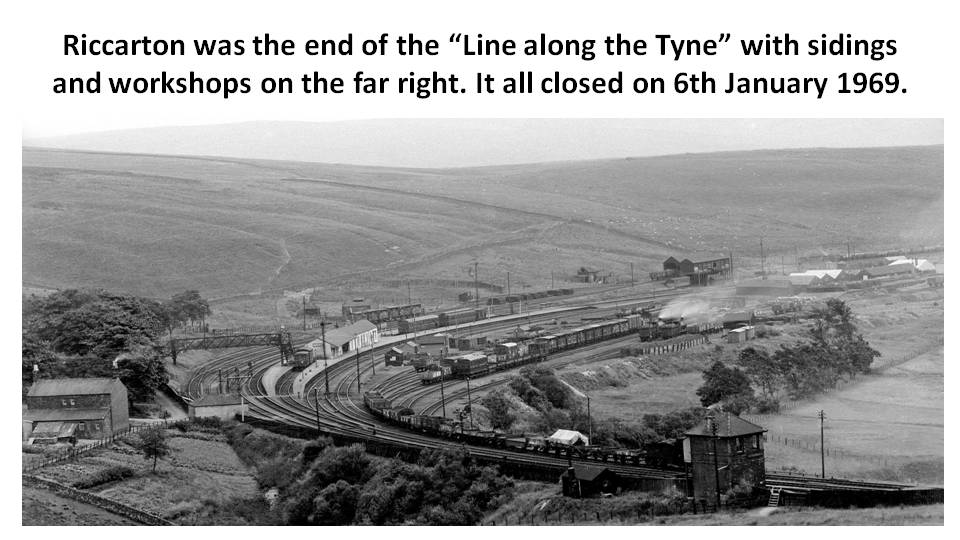
Stations of the North Tyne
This section is about the Stations north of Chollerford
The slideshow will play automatically and if you select the play button at bottom left, or use the vertical arrows to manually navigate these slides. The horizontal arrows take you to a different slideshow.


The Darkroom
This section is about the work that goes on in the darkroom.
The slideshow will play automatically or if you select the play button at bottom left, or use the vertical arrows to manually navigate these slides. The horizontal arrows take you to a different slideshow.